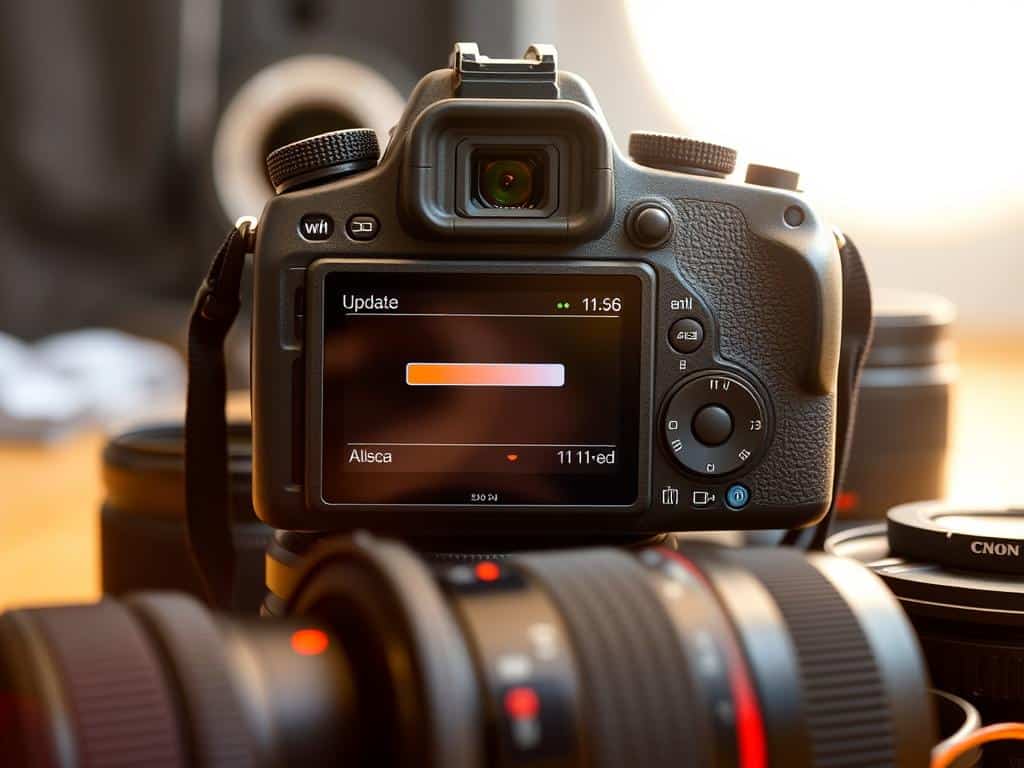

Did you know firmware updates can make your camera better? They add new features and boost performance. Many photographers don’t know their devices can get better over time. This is thanks to firmware, which controls the camera’s hardware.
Firmware updates are rare and can be risky. They are closely tied to the camera’s hardware. Unlike regular software, firmware updates are not as common.
In this guide, I want to help photographers understand the importance of firmware updates. By regularly checking and installing updates, you can fix problems and improve your photos. Updating your firmware lets you use your camera to its best, with the latest features and improvements.
Key Takeaways
- Firmware updates enhance device functionality and improve performance.
- Regular updates can resolve significant issues like battery drain and autofocus problems.
- Firmware is specific to the device, unlike software that may run on various machines.
- Manufacturers periodically release updates, so it’s important to check regularly.
- Proper procedures for updating differ among camera models; follow manufacturer guidelines.
- Updating with a fully charged battery prevents possible issues during the process.
Understanding Camera Firmware and Its Importance
Camera firmware is key for photographers wanting to get the most from their gear. It’s the software inside the camera’s brain, controlling settings like autofocus and image processing. Unlike hardware, firmware can be updated to fix problems and add new features.
These updates are vital for improving your shooting experience. They can make your camera faster and more reliable. For me, this means better photos and more creative freedom.
What is Camera Firmware?
Camera firmware is custom software for each camera model. It makes sure the camera works well. Updates can bring faster autofocus, better tracking, and easier menus.
These changes make using the camera more enjoyable. They also open up new ways to express your creativity. Checking for updates regularly keeps your camera running smoothly.
The Role of Firmware in Camera Performance
Firmware greatly affects how well a camera performs. Updates often improve autofocus and tracking, capturing moments sharply. They also add features like wireless functions or GPS.
It’s important to follow the manufacturer’s update instructions. This prevents problems that could mess up your camera. Regular updates keep your camera up-to-date and your photos top-notch.
The Benefits of Camera Firmware Updates
Camera firmware updates are key to getting the most out of my device. They bring improvements and fix important problems. These updates come from the makers, aiming to make my camera better and solve common issues.
Enhancements in Performance
One big plus of firmware updates is better performance. They make my camera work faster and more smoothly. This means I can take better photos.
These updates make my camera more responsive. It’s easier to use, and my photos improve. Upgrading my firmware makes a big difference in my photography.
Fixes for Existing Issues
Firmware updates also fix problems I’ve been having. Issues like battery drain or autofocus problems get solved. If I don’t update, I might keep having these issues.
Keeping my firmware up to date helps my camera work better. It fixes bugs and keeps up with new tech. This ensures I get the best out of my camera.
How to Check and Update Camera Firmware
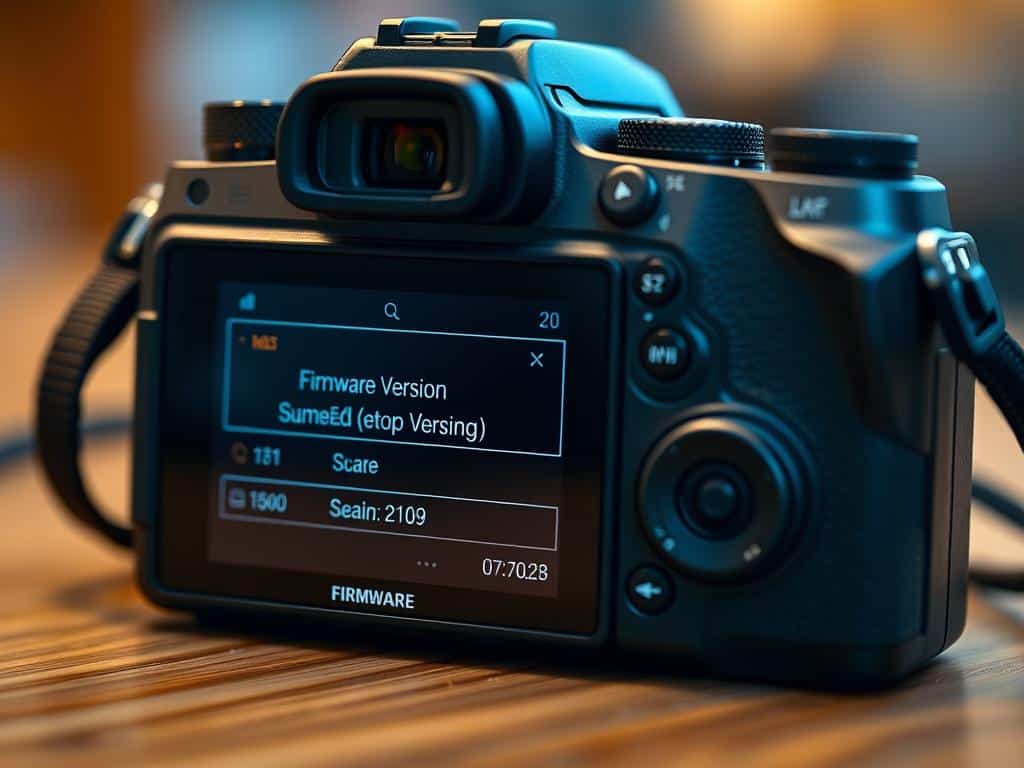
Keeping my camera in top shape means making sure its firmware is current. This ensures I get the newest features and bug fixes. First, I check the firmware version through the camera’s menu. Look for Firmware Version in the menu to see what I have.
It’s key to compare this with the latest version on the manufacturer’s website. This tells me if I need to update.
Checking Current Firmware Version
To check my camera’s firmware, I follow the menu prompts. Knowing the current version tells me if I need an update. This is a big part of keeping my camera running smoothly.
If my camera is older, I might need to use OM Workspace for updates. This is instead of the camera’s built-in interface.
Step-by-Step Update Process
The update process is simple. First, I make sure my camera’s battery is full. Then, I download the latest firmware onto a memory card from the manufacturer’s site.
I format the card in my camera to make sure it works right. Updating through the camera takes about 10 minutes. It’s important not to stop the update; it could break the camera.
I agree to any software license agreements that come up. There are often videos and guides to help with specific models.
Conclusion
Staying up-to-date with firmware updates is key for serious photographers. Regularly checking and applying these updates keeps my camera running smoothly. Manufacturers often release updates to fix bugs and improve performance, helping me take amazing photos.
These updates do more than just fix problems. They also bring new features that make using my camera better. For instance, the Nikon Z9 Mirrorless Camera’s latest firmware, version 1.30, offers better RAW recording and Eye AF accuracy. It shows how technology keeps getting better, and so does my camera.
By keeping my camera updated, I help it work better with new accessories. This ensures I can take the best photos possible. With the right approach to firmware upgrades, my equipment stays in top shape for years.
