

Did you know that processing power is the biggest drain on your camera’s battery life? Modern cameras are amazing at taking photos, but they use a lot of power. I’ve often run out of battery when I needed it most, which is really frustrating.
I’ve been looking for ways to make my camera last longer. I want to share tips that can help you avoid battery problems and get the most out of your camera.
This article will show you how to make your camera settings work for you. It doesn’t matter if you’re a pro or just love taking photos. Knowing how to use your camera better can help you get that perfect shot every time.
Let’s explore ways to keep your camera going for longer. You’ll learn how to save power and make the most of your camera’s battery.
Key Takeaways
- Understanding your camera’s power consumption can enhance shooting efficiency.
- Setting auto power off can significantly prolong battery usage.
- Using manual modes over automatic settings helps save energy.
- Shooting in RAW format impacts battery life; consider alternatives.
- Adjusting screen brightness is a simple step to extend runtime.
- Carrying spare batteries is essential for lengthy sessions.
- Regular firmware updates can improve battery efficiency in cameras.
Understanding the Need for Extended Battery Life
As photography fans, we often face a challenge. Our modern cameras have high-resolution sensors and complex tech. These features improve our photos but also use more battery power. This can lead to quick battery drain during long shoots.
It’s key to find ways to make our batteries last longer. This is why we need good battery life strategies.
The Impact of Modern Cameras on Battery Performance
Modern cameras have lots of cool features. But these features also use a lot of power. Things like high-definition video, advanced autofocus, and Wi-Fi all eat up battery life.
While these features help us get amazing photos, they also mean our batteries don’t last as long. Using these features wisely can help our batteries last longer during shoots.
Importance of Power Management During Shoots
Managing power well is key to making our camera’s battery last. Using power-saving tips helps a lot, whether we’re shooting for a short time or all day. Turning off things we don’t need, dimming the screen, and adjusting power settings can all help.
Knowing how to do these things lets us shoot for longer without worrying about running out of power.
Battery Life Tips: Proven Strategies to Save Power
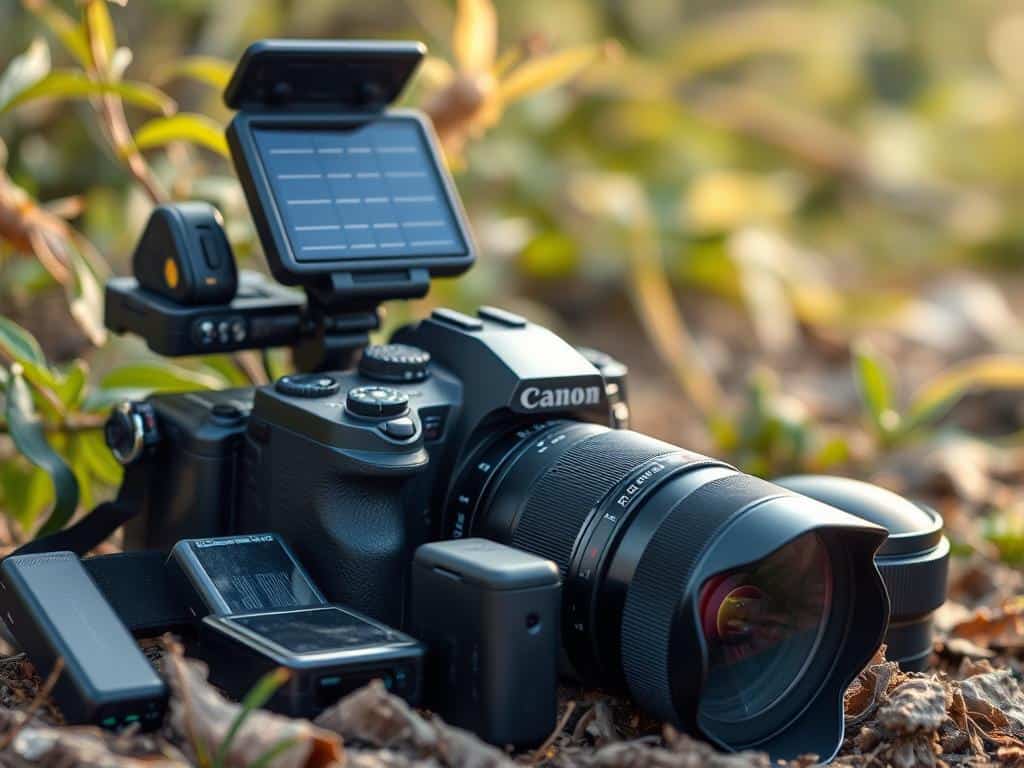
As photographers, we often face the challenge of prolonged battery life during lengthy shooting sessions. Implementing proven strategies can significantly enhance our ability to save battery power. Here are several effective methods to maximize battery efficiency while ensuring we maintain optimal camera settings.
Turn Off AI and Scene Recognition
To enhance battery preservation, I prefer to turn off AI and scene recognition features. These functions require substantial processing power, which can lead to quicker battery drain. By switching to manual settings, I reduce the load on my camera and improve overall battery performance.
Select Manual Focusing Points
Opting for manual focusing is another valuable tip. Allowing the camera to automatically choose focus points can exhaust battery power rapidly. By selecting manual focusing points, I not only enhance autofocus efficiency but also reduce battery drain, making this a vital part of my battery-saving tips.
Utilize Airplane Mode
Activating Airplane mode proves to be another excellent strategy for battery conservation. This setting is useful on brands like Sony, where it limits background processes that typically consume battery life. Utilizing Airplane mode effectively helps in achieving improved battery longevity during shoots.
Dimming Screens for Less Drain
Adjusting my LCD settings is key for saving energy. Dimming screens can dramatically lower battery consumption, allowing my camera to operate for extended periods without the worry of running out of juice. Choosing a lower brightness setting often suffices, preserving power for those critical shots.
Optimizing Camera Functions for Longer Battery Life
While taking photos, I’ve found that tweaking camera settings can save a lot of battery. By adjusting image formats, autofocus, flash use, and memory cards, I make my camera work better. This way, I use less battery.
Understanding Different Image Formats
Choosing the right image format is key to saving battery. JPEGs use less power than RAW files because they need less processing. This is important for long photo shoots where battery life is critical.
Using Single Autofocus Instead of Continuous
Switching to single autofocus from continuous can save a lot of battery. Continuous autofocus uses a lot of power because it constantly adjusts focus. Single autofocus, on the other hand, is more energy-efficient, perfect for steady shots.
Limiting Use of Built-In Flash
The built-in flash can quickly drain the battery. I try to use external flashes or skip the flash when I can. This helps save battery and improves my photography.
Choosing Faster Memory Cards
Faster memory cards help process data quicker and save battery. Slower cards take longer to write, using more battery. With faster cards, my camera writes images fast, saving battery.
Conclusion
Effective battery life management is key for photographers. It helps us capture amazing photos without interruptions. By knowing how cameras work and using the right strategies, we can improve our camera’s performance.
Using power-saving tips like adjusting screen brightness helps a lot. It lets us shoot for longer without needing to recharge. Charging our camera wisely is also important. We should charge it when needed, not too early or too late.
Using features that use a lot of power less often is smart. This way, we save energy for the creative work. By following these tips, we can make the most of our camera’s battery. This lets us focus on our art, not battery worries.
