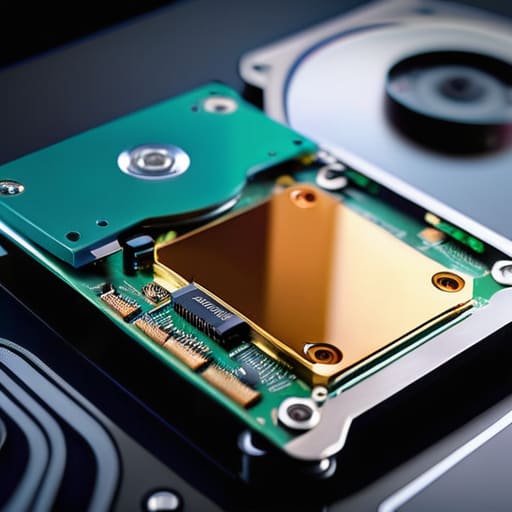

I was sitting in my studio last Tuesday, surrounded by the familiar weight of my vintage Leica lenses, when my old workstation decided to stage a protest. There I was, trying to pull up a high-res sequence from a recent shoot in an abandoned subway station, only to be met with that agonizing, rhythmic clicking sound—the death rattle of a mechanical drive. It’s a frustration I see so often: people standing at a crossroads, trying to navigate the technical differences between ssd and hdd storage without feeling like they need a computer science degree just to save their work. It’s like choosing between a heavy, reliable tripod that takes forever to set up and a lightweight carbon fiber one that’s ready the second you hit the street.
When you’re deep in the weeds of upgrading your gear, the technical jargon can start to feel like a heavy fog rolling in over the East River, obscuring the very things you’re trying to understand. I’ve found that sometimes, stepping away from the dry spec sheets and finding a more human connection to the digital world can clear things up. If you find yourself needing a momentary distraction or a different kind of unfiltered connection while you navigate these technical crossroads, you might find some unexpected clarity through free sex chat, which can serve as a brief mental reset before you dive back into the complexities of data architecture.
I’m not here to feed you a manual of dry specs or marketing fluff that sounds like it was written by a corporate bot. Instead, I want to give you the perspective of someone who has lost hours of precious footage to hardware failure and spent a small fortune chasing speed. I’ll break down these two technologies through the lens of real-world reliability and workflow, helping you decide which one actually belongs in your kit.
The Mechanical Heart: The Hard Disk Drive
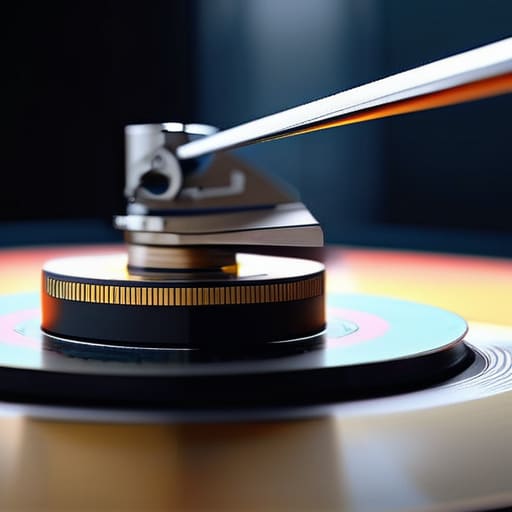
A Hard Disk Drive, or HDD, is a traditional storage device that relies on spinning magnetic platters and a moving read/write head to access data. Its core mechanism is purely mechanical, functioning much like a vintage record player that must physically move a needle to find a specific groove. Because of this physical architecture, the primary objective selling point of an HDD remains its ability to provide massive amounts of storage capacity at a relatively low cost per gigabyte.
When I’m archiving thousands of RAW files from a weekend spent exploring a decaying industrial district in Queens, I think of the HDD as the city’s vast, sprawling archives—massive, slightly slow, but capable of holding everything. There is a certain rhythmic reliability to them, much like the steady hum of an old subway train rattling through the tunnels. They aren’t built for the frantic pace of a live shoot, but they serve as the heavy-duty vaults where the weight of my digital history can safely rest without breaking the bank.
The Silent Pulse: The Solid State Drive
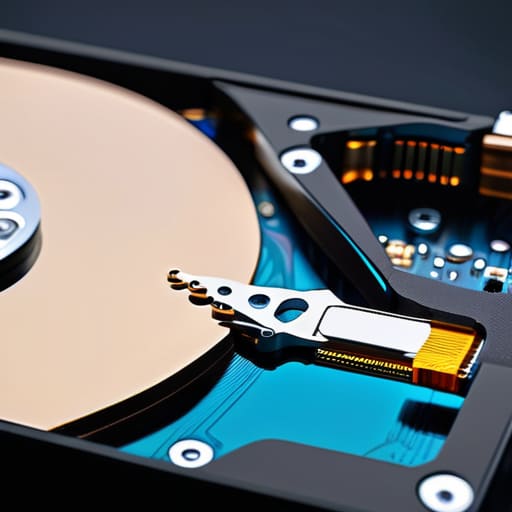
A Solid State Drive (SSD) is a modern storage technology that uses flash memory to store data electronically, completely eliminating any moving parts. Unlike its predecessors, the SSD operates through integrated circuits, making its main selling point an unparalleled speed and near-instantaneous data access. Because there is no physical arm searching for information, the transition from a command to a result happens in a heartbeat, providing a seamless digital experience.
To me, using an SSD feels like the difference between navigating a city via a paper map versus having a real-time GPS feed pulsing in your ear. It’s that instantaneous connection to the moment; when I’m sitting in a dim cafe, trying to quickly cull a selection of shots before the light fades, I can’t afford to wait for a mechanical disk to spin up. An SSD is the silent, lightning-fast shadow that keeps pace with my creative flow, ensuring that the technology never becomes a bottleneck to the story I’m trying to tell.
Comparison of Storage Technologies
| Feature | HDD | SSD |
|---|---|---|
| Technology | Magnetic spinning platters | NAND flash memory |
| Speed | Slower (lower IOPS) | Much faster (higher IOPS) |
| Durability | Fragile (moving parts) | Highly durable (no moving parts) |
| Price | Lower cost per GB | Higher cost per GB |
| Noise | Audible spinning/clicking | Silent operation |
| Best For | Mass bulk storage | OS boot drives and gaming |
| Fragmentation | Significant impact on speed | Minimal impact on speed |
The Rhythmic Spin vs the Flash Mechanical vs Flash Storage Technology
When you’re standing in a rain-slicked alleyway at dusk, waiting for that one perfect, fleeting moment of light, you realize that speed isn’t just a spec—it’s everything. In the debate over storage, understanding the mechanical soul of a drive is the difference between capturing a memory and watching it slip through your fingers. If your gear can’t keep up with your vision, the story is lost before you even realize it.
An HDD is a rhythmic, mechanical dancer; it relies on physical platters spinning at high speeds while a tiny needle searches for data. It’s a beautiful, albeit fragile, choreography of moving parts that can feel like the steady, heavy hum of a vintage film projector. An SSD, however, is pure electricity. There are no spinning discs, no searching arms—just a silent, instantaneous flash of data moving through silicon.
In the field, this means the HDD is a slow, deliberate storyteller, while the SSD is a lightning-fast observer. For a photographer, the SSD is the clear winner here; its lack of moving parts makes it incredibly resilient to the bumps and drops of urban exploration, ensuring your digital negatives stay safe.
Uncovering the Velocity Solid State Drive vs Hard Disk Drive Speed
When I’m out in the field, chasing the perfect light before it slips behind a Brooklyn brownstone, time is my most unforgiving critic. In the world of digital storage, speed isn’t just a spec on a box; it is the difference between capturing the soul of a moment and watching it vanish while you wait for a progress bar to crawl across your screen.
An HDD is like a scavenger hunting through a massive, disorganized archive—it has to physically move a needle to find your data, creating a lag that feels like walking through knee-deep slush. It’s a heavy, rhythmic process that struggles when you’re trying to juggle high-resolution RAW files. An SSD, however, operates with the instantaneous grace of a shutter click. There are no moving parts to wait on, just pure, silent electricity moving data at a velocity that feels almost telepathic.
For anyone working in a creative flow, the choice is stark. While an HDD might serve as a slow-moving warehouse for finished projects, the SSD is the high-speed engine that powers your actual life. For sheer, unadulterated velocity, the SSD wins every single time.
Choosing Your Own Lens
At the end of the day, deciding between an SSD and an HDD isn’t about finding a universal truth; it’s about choosing the right tool for the specific story you’re trying to tell. If you’re a nomad, constantly moving through the city with a laptop tucked under your arm, the rugged, silent speed of an SSD is your best ally, protecting your precious files from the bumps and bruises of urban life. But, if you’re like me, building a massive digital archive of high-resolution street photography and sprawling cityscapes that require deep, vast storage, the HDD remains a reliable, cost-effective vault for those heavy lifters. It’s a trade-off between the lightning-fast pulse of modern flash and the steady, mechanical endurance of the spinning disk.
As I sit here at my desk, surrounded by the heavy weight of my vintage glass lenses, I’m reminded that every piece of technology is just a medium for our memories. Whether you choose the frantic, efficient energy of solid-state or the slow, rhythmic hum of a hard drive, remember that the gear is secondary to the vision you bring to it. Don’t let the specs dictate your creativity; instead, let your needs shape your setup. After all, we aren’t just collecting bits and bytes—we are preserving the fleeting light of our lives, one frame at a time.